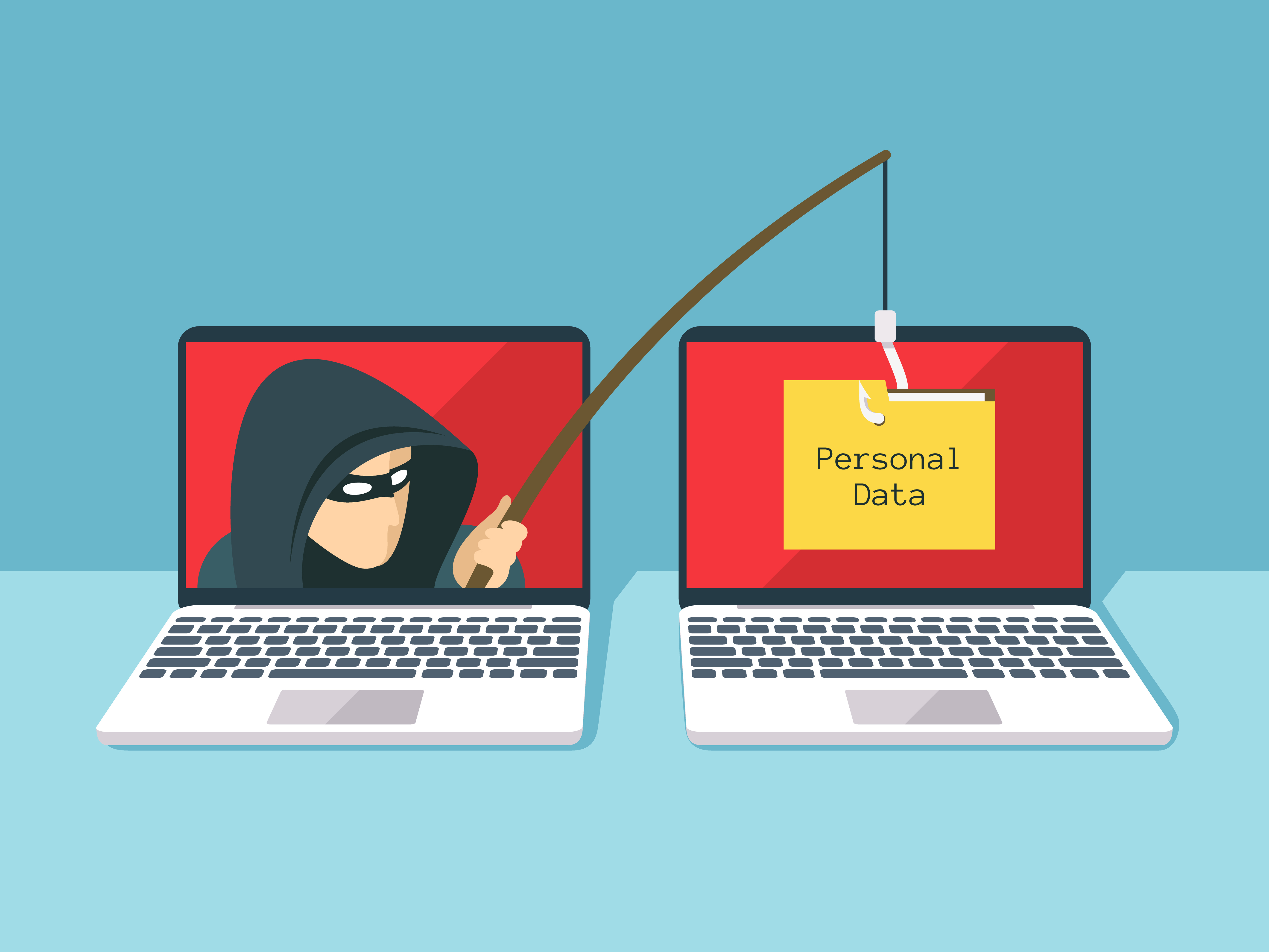
What is Phishing?
Phishing is a cybercrime where attackers impersonate legitimate organizations to steal sensitive information such as usernames, passwords, credit card details, and other personal data. The term "phishing" is a play on "fishing," as cybercriminals cast their nets wide, hoping to catch unsuspecting victims who will take the bait.
These attacks typically occur through email, text messages, phone calls, or fraudulent websites that appear to be from trusted sources like banks, social media platforms, online retailers, or government agencies. The goal is to trick victims into revealing confidential information or installing malicious software on their devices.
The Evolution of Phishing Attacks
Phishing has evolved significantly since its inception in the 1990s. Early attacks were often crude and easily identifiable, but modern phishing campaigns are sophisticated, targeted, and increasingly difficult to detect. Cybercriminals now use advanced techniques including:
1990s - Early Email Scams
Simple email scams with obvious spelling errors and generic messages targeting AOL users.
2000s - Website Spoofing
Creation of fake websites that closely mimicked legitimate banking and e-commerce sites.
2010s - Spear Phishing
Highly targeted attacks using personal information gathered from social media and data breaches.
2020s - AI-Enhanced Attacks
Use of artificial intelligence to create more convincing messages and deepfake technology for voice phishing.
Types of Phishing Attacks
Email Phishing
The most common form, involving fraudulent emails that appear to be from legitimate sources. These emails often contain urgent messages requesting immediate action, such as updating account information or verifying identity.
- Generic greetings ("Dear Customer")
- Urgent or threatening language
- Suspicious sender addresses
- Unexpected attachments or links
- Poor grammar and spelling
SMS Phishing (Smishing)
Text message-based attacks that often claim to be from banks, delivery services, or government agencies. These messages typically include malicious links or request personal information via reply.
- Unexpected messages from unknown numbers
- Requests for personal information via text
- Shortened URLs that hide the real destination
- Claims of urgent account issues
- Offers that seem too good to be true
Voice Phishing (Vishing)
Phone-based attacks where criminals impersonate legitimate organizations to extract sensitive information. These calls often use social engineering tactics and may employ spoofed caller IDs.
- Unsolicited calls requesting personal information
- High-pressure tactics and urgency
- Requests for passwords or PINs
- Caller ID that doesn't match the claimed organization
- Background noise suggesting a call center
Spear Phishing
Highly targeted attacks that use personal information about the victim to create convincing, personalized messages. These attacks often target specific individuals or organizations.
- Messages that reference personal details
- Emails from "colleagues" or "friends"
- Business-related requests that seem legitimate
- References to current events or company news
- Requests for confidential business information
Whaling
A form of spear phishing that specifically targets high-profile individuals such as CEOs, CFOs, and other executives. These attacks often involve business email compromise (BEC) schemes.
- Executive-level language and terminology
- Requests for large financial transactions
- Urgent business decisions requiring immediate action
- Confidential merger or acquisition discussions
- Requests to bypass normal approval processes
Clone Phishing
Attacks that replicate legitimate emails previously sent to the victim, but with malicious links or attachments replacing the original content.
- Duplicate emails with slight variations
- Claims of "updated" or "corrected" information
- Different sender addresses for familiar content
- Unexpected follow-up messages
- Links that don't match previous communications
Common Phishing Techniques and Red Flags
Understanding the tactics used by cybercriminals is crucial for protection. Here are the most common techniques and how to identify them:
URL Manipulation
Attackers create URLs that closely resemble legitimate websites but contain subtle differences.
- paypaI.com (using capital I instead of lowercase l)
- arnazon.com (replacing 'm' with 'rn')
- microsft.com (missing 'o')
- secure-bankofamerica.phishing-site.com
Social Engineering
Psychological manipulation to create urgency, fear, or curiosity that bypasses logical thinking.
- "Your account will be closed in 24 hours"
- "Suspicious activity detected on your account"
- "You've won a prize - claim now!"
- "Urgent: Update your payment information"
Brand Impersonation
Using logos, colors, and design elements that mimic trusted brands and organizations.
- Major banks and financial institutions
- Social media platforms
- E-commerce sites (Amazon, eBay)
- Government agencies (IRS, Social Security)
Attachment-Based Attacks
Malicious files disguised as legitimate documents that install malware when opened.
- .exe, .scr, .bat (executable files)
- .zip, .rar (compressed files)
- .doc, .xls with macros enabled
- .pdf with embedded scripts
Real-World Phishing Examples and Case Studies
The Target Data Breach (2013)
One of the largest retail data breaches in history began with a phishing email sent to a third-party HVAC vendor. The attack compromised 40 million credit and debit card accounts and 70 million customer records. This case demonstrates how phishing can be the entry point for massive data breaches affecting millions of people.
COVID-19 Phishing Surge (2020-2021)
The pandemic created perfect conditions for phishing attacks, with cybercriminals exploiting fears and uncertainties. Attacks included fake CDC communications, fraudulent vaccine appointment confirmations, and bogus stimulus payment notifications. The FBI reported a 300% increase in cybercrime complaints during this period.
Business Email Compromise (BEC) Attacks
These sophisticated attacks target businesses by impersonating executives or vendors to authorize fraudulent wire transfers. The FBI's Internet Crime Complaint Center reported that BEC attacks resulted in over $43 billion in losses between 2016 and 2021.
Protection Strategies and Best Practices
Protecting yourself and your organization from phishing attacks requires a multi-layered approach combining technology, education, and vigilance:
Personal Protection
Email Vigilance
- Verify sender identity through independent channels
- Hover over links to preview destinations before clicking
- Be suspicious of urgent or threatening language
- Check for spelling and grammar errors
- Never provide sensitive information via email
Safe Browsing Habits
- Type URLs directly into the browser address bar
- Look for HTTPS and valid security certificates
- Use bookmarks for frequently visited sites
- Keep browsers and plugins updated
- Enable pop-up blockers and security warnings
Strong Authentication
- Use unique, complex passwords for each account
- Enable two-factor authentication (2FA) wherever possible
- Use password managers to generate and store passwords
- Regularly update passwords, especially after breaches
- Avoid using personal information in passwords
Organizational Protection
Employee Training
- Regular security awareness training sessions
- Simulated phishing exercises to test readiness
- Clear reporting procedures for suspicious emails
- Updates on current phishing trends and tactics
- Recognition and rewards for good security practices
Technical Controls
- Email filtering and anti-phishing solutions
- Web filtering to block malicious websites
- Endpoint protection and anti-malware software
- Network segmentation and access controls
- Regular security assessments and penetration testing
Incident Response
- Documented incident response procedures
- Rapid containment and investigation capabilities
- Communication plans for stakeholders
- Regular backup and recovery testing
- Post-incident analysis and improvement
What to Do If You've Been Phished
If you suspect you've fallen victim to a phishing attack, immediate action is crucial to minimize damage:
Immediate Actions (First 30 minutes)
- Disconnect from the internet to prevent further data transmission
- Change passwords for all potentially compromised accounts
- Contact your bank if financial information was shared
- Run antivirus scans on all affected devices
- Document everything - save emails, URLs, and screenshots
Short-term Actions (First 24 hours)
- Report the incident to relevant authorities and organizations
- Monitor accounts for unauthorized activity
- Enable fraud alerts with credit bureaus
- Update security software and run comprehensive scans
- Inform contacts if your email account was compromised
Long-term Actions (Ongoing)
- Monitor credit reports for signs of identity theft
- Review account statements regularly for suspicious activity
- Consider identity monitoring services for ongoing protection
- Learn from the experience and improve security practices
- Stay informed about new phishing techniques and threats
Interactive Quiz: Test Your Phishing Detection Skills
Challenge yourself with our comprehensive phishing detection quiz. Learn to identify sophisticated phishing attempts and test your ability to spot the warning signs before falling victim to these attacks.
Take the Phishing Detection QuizAcademic Research and Industry Resources
Stay informed about the latest phishing research, trends, and protection strategies through these authoritative sources:
Government Resources
Academic Research
Industry Reports
Emerging Threats and Future Considerations
The phishing landscape continues to evolve with new technologies and attack vectors. Understanding emerging threats is crucial for maintaining effective protection:
AI-Powered Phishing
Artificial intelligence is being used to create more convincing phishing emails, generate realistic fake websites, and even create deepfake audio for voice phishing attacks. These AI-enhanced attacks are becoming increasingly difficult to detect using traditional methods.
Mobile-First Attacks
As mobile device usage increases, attackers are focusing more on mobile-specific phishing techniques, including malicious apps, SMS phishing, and attacks targeting mobile banking and payment applications.
Cloud Service Targeting
With the widespread adoption of cloud services, attackers are increasingly targeting cloud-based email, storage, and collaboration platforms to gain access to sensitive business data and communications.
IoT and Smart Device Exploitation
The proliferation of Internet of Things (IoT) devices creates new attack vectors for phishing, including compromised smart home devices and industrial control systems.